


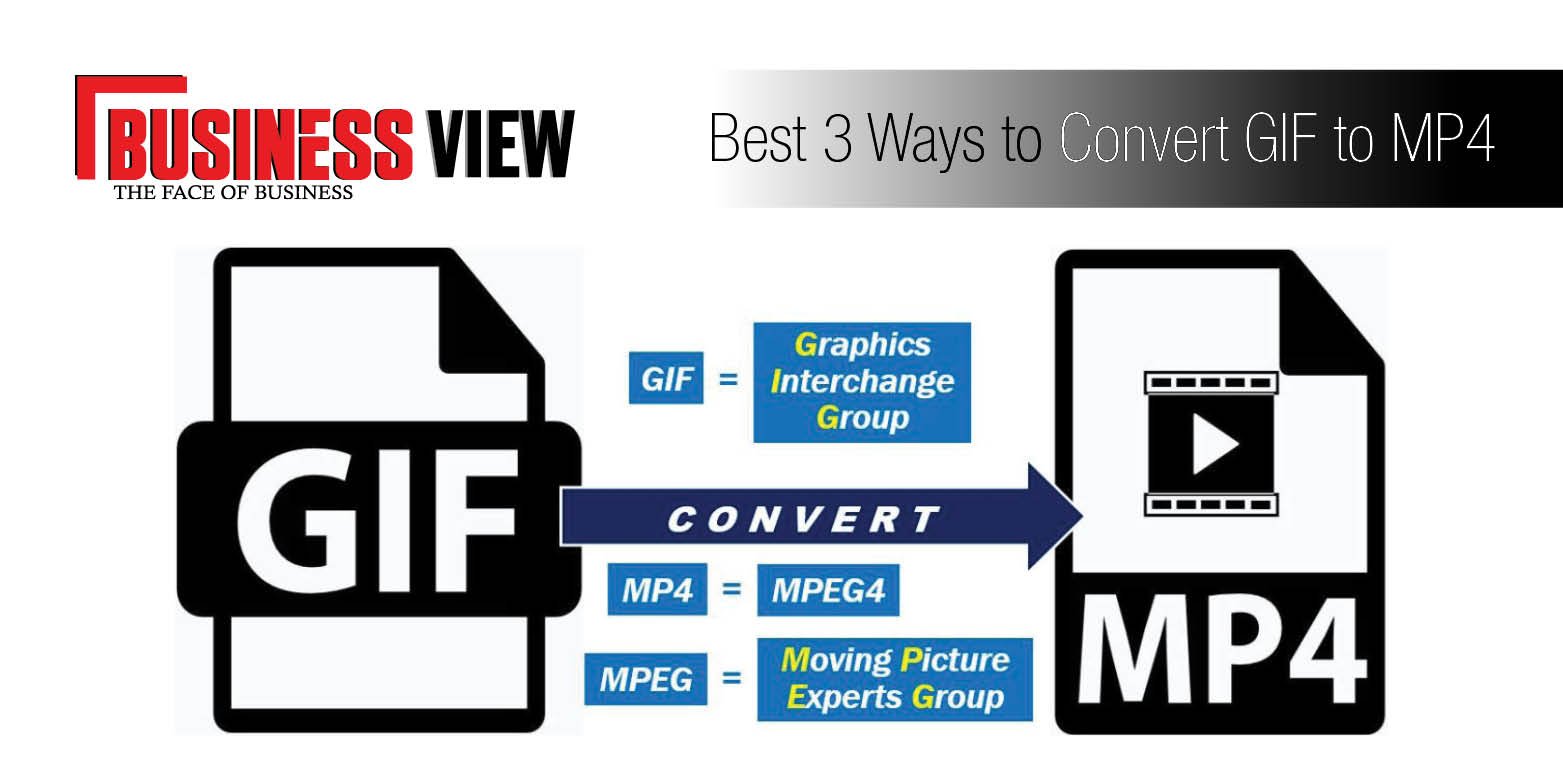
Best 3 Ways to Convert GIF to MP4
GIF is one of the great sources of entertainment and a modern form of the image used in social apps and sites. These are the small videos without any sound effects. People use this image in comments or as memes in the messages on mobiles. The latest keyboards of third party applications make it easy to send GIF images to others. Many people want to convert their images in GIF or GIF file to MP4 video. There are various tools (both online and offline) that will allow you to convert your images or videos to the GIF format. But only a few softwarehas the feature to convert GIF to MP4.
You may be thinking about how to convert GIF to MP4? Don’t worry! We will discuss the best 3 ways to convertGIF to MP4 that will help you to select a suitable option for you. So let’s discuss them in detail.
Convert GIF to MP4 with Filmora Video Editor
With the help of the Filmora Video Editor, you can convert any GIF image to video. This converter comes with a desktop version only; once you download and install it, you don’t need to use the internet connection for conversion. Furthermore, the software will not crash even you upload over ten video files in it. It provides you a lot of editing tools that can enhance the output quality of the MP4 video. The best part about this converter is that it allows you to add image on your video and you don’t have to be a professional video editor for performing this task.
Here are the few steps to convert GIF to MP4:
-
Step 1: After installing the Filmora on your computer, run it. Select the screen size.
-
Step 2:Now import the GIF files you want to convert. You can also use drag and drop features.
-
Step 3:Move this GIF image to the timeline and make some relevant changes. You can also add an effect to images.
-
Step 4: Now select the Export format as MP4 and click on the “Convert” button.
-
Step 5: After the successful conversion, you can export the file in the desired folder.
Convert GIF to MP4 with Movavi Video Converter
Movavi Video Converter is another desktop software that converts your GIF files to MP4 and many other formats. It also provides you an option to convert GIF to photos and audio files. When we compared it with other software, we noticed that it is super quick and easy to use. But it does not have the editing features. If you want simple conversion, there is nothing better option than Movavi Video Converter. Moreover, it is compatible with windows and Mac all versions.
- Step 1: Download Movavi Video Converter from the official website and run it on your computer.
- Step 2: Open the desktop app and select the GIF file you want to convert. Movavi Video Converter also has a drop and drag feature which make the conversion process easier for the users.
- Step 3: Now, click on the “Convert” button and choose the target folder. It will start converting your file.
- Step 4: After the successful conversion, you can view the file in the folder.
Also Read: Youtube to WAV Converter
Convert GIF to MP4 with onlineconvertfree.com
If you want to use an online tool for converting GIF files to PDF, onlineconvertfree.com is the best option. As the name suggest it is an online and free tool. So, you don’t need to download it on your computer; all you need is an internet connection. It is the most trusted and reliable online tool that offers full protection to your files. It supports more than 200 file formats and provides many editing tools that will help you to make the relevant changes.
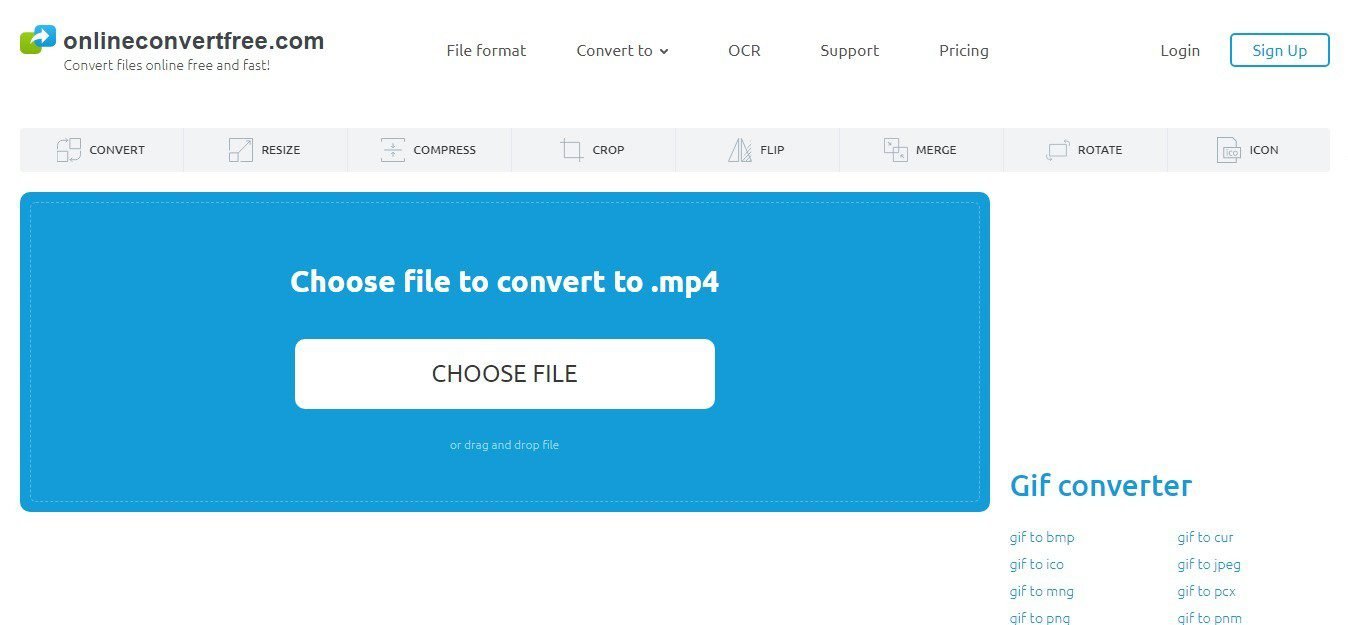
Follow these steps to convert GIF to MP4 with onlineconvertfree.com:
- Step 1: Click on this link: https://onlineconvertfree.com/convert-format/gif-to-mp4/. Or directly paste this link to your browser. You can also visit the homepage of the official site and select GIF to MP4 conversion option.
- Step 2: In this step, you have to choose the GIF file. You can also use the drop and drag feature for this purpose.
- Step 3: No select the desired output format that is MP4 in this case. But you have many other output options.
- Step 4: Now click on the “Convert” button.
- Step 5: After the successful conversion, you can export the file in the desired folder.
We have discussed the best 3 ways to convert GIF to MP4 for making it easy for you to select the one that meets your needs. Hope this short user guide will be useful for you.